Blog
If you are new to futures trading, this guide will show you how to set up your Tradeovate account, organize your chart, and prepare for trading in a simple way.
1. Choose the Right Mode (Beginner Setup)
Once your Tradeovate account is active, you’ll see:- Start Live Trading
- Market Replay
- Simulation (Paper Trading)

2. Clean and Set Up Your Chart
Your first chart will look crowded, so simplify it:- Close unnecessary windows and panels
- Remove extra indicators (double-click → remove)
- Keep only what you need for trading
3. Set Up Your Trading Layout (DOM + Chart)
You can arrange your workspace:- Move your DOM (order panel) to the left or right
- Drag it to your preferred side
- Add Trade Performance tool using the “+” button to track your trades

4. Pick the Right Instrument
For beginners:- MES (Micro S&P 500) → best for learning (slower, lower risk)
- MNQ (Micro Nasdaq) → slightly more volatile
- Avoid jumping straight into ES or NQ as a beginner
5. Set Up Your Chart Properly
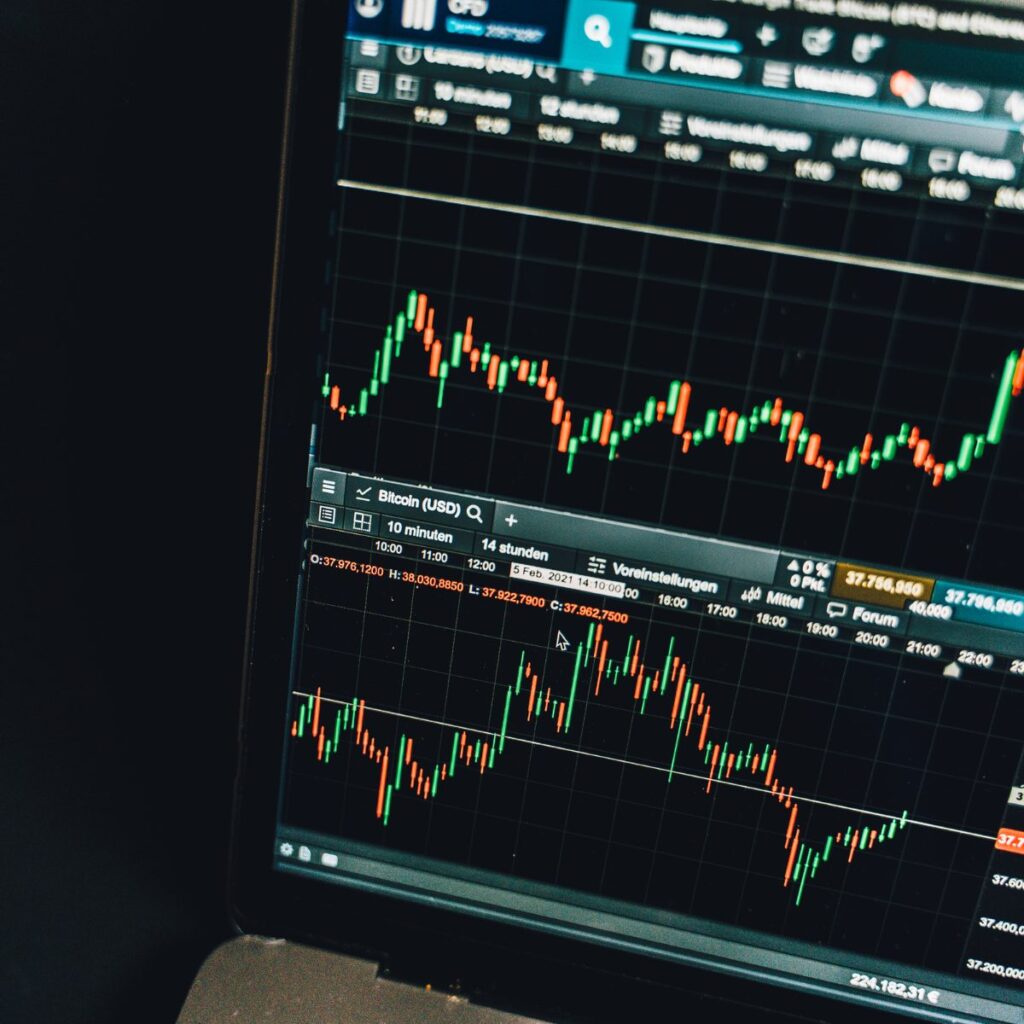
Adjust your chart for better clarity:- Switch to candlesticks
- Change timeframe to 1-minute chart (avoid 15-minute when learning)

6. How to Place and Manage Trades
Entering a trade:- Click Buy Market to go long
- Click Sell Market to short or exit
- Use the close/cancel button to exit positions
- Always place a stop loss after entering a trade to control risk
7. Moving From Practice to Real Trading
After practicing on simulation, you can use prop firms like Apex Trader Funding. How it works:- Choose an account size (e.g., $50,000)
- Pay a monthly fee (often discounted, e.g., ~$33 during promos)
- Pass evaluation to get a funded account

Final Advice
Futures trading is:- Fast-moving
- Highly leveraged
- Risky without practice